My Experience Planning Road Trips, and a Hobby Tool
I've done a fair number of long drives across India over the years, often to historical sites I've read about. For multi-day trips, the route planning matters almost as much as the destination itself — figuring out where to eat, rest, and refuel along the way.
I've picked up a fair bit of planning experience along the way, from quick weekend runs to multi-week drives. Some of my recent ones:
- A 14-day drive through central India: Bangalore → Aurangabad → Maheshwar → Ujjain → Agra → Gwalior → Hampi → Bangalore.
- A 10-day coastal drive up the east: Bangalore → Vizag → Puri → Kolkata → Bhubaneswar → Bangalore.
- A 9-day drive to ancient port city: Bangalore → Pune → Surat → Vadodara → Lothal → Bangalore.
- A 6-day drive down south: Bangalore → Kanyakumari → Varkala → Kochi → Bangalore.
How I Plan My Road Trips
I have been meaning to write this down for a while. The full process is more extensive, but these are the key parts:
Stops matter just as much as the route. For food and rest, I look for places with parking, clean washrooms, and decent food. For fuel, I almost exclusively look for COCO (Company Owned, Company Operated) petrol pumps, they're reliable, well-maintained toilet, and you don't have to worry about fuel quality. Preferring stops on the left side of the road helps, avoids unnecessary U-turns on a highway. These things sound basic, but anyone who has driven long distances in India knows how hard they can be to find consistently. I try to dedicate enough time to researching all of this before every trip, sometimes even checking Street View to get an idea of the road width along a stretch.
From Personal Notes to a Public Tool
A couple of weeks ago, I finally decided to build a tool that would help me plan trips with just a start and destination, using my own criteria. The result is trails.rakeshr.net, a drive planner built on top of Google Maps APIs, designed around the way I actually plan my routes and stops.
Here's an example: a Bangalore to Mumbai trip. It picked a route via NH, bypassed Satara, Kolhapur, Belgaum, Dharwad, Davangere, Chitradurga, and Tumkur, and found 5 stops along the 1035 km route with veg restaurants, clean washrooms, and parking:
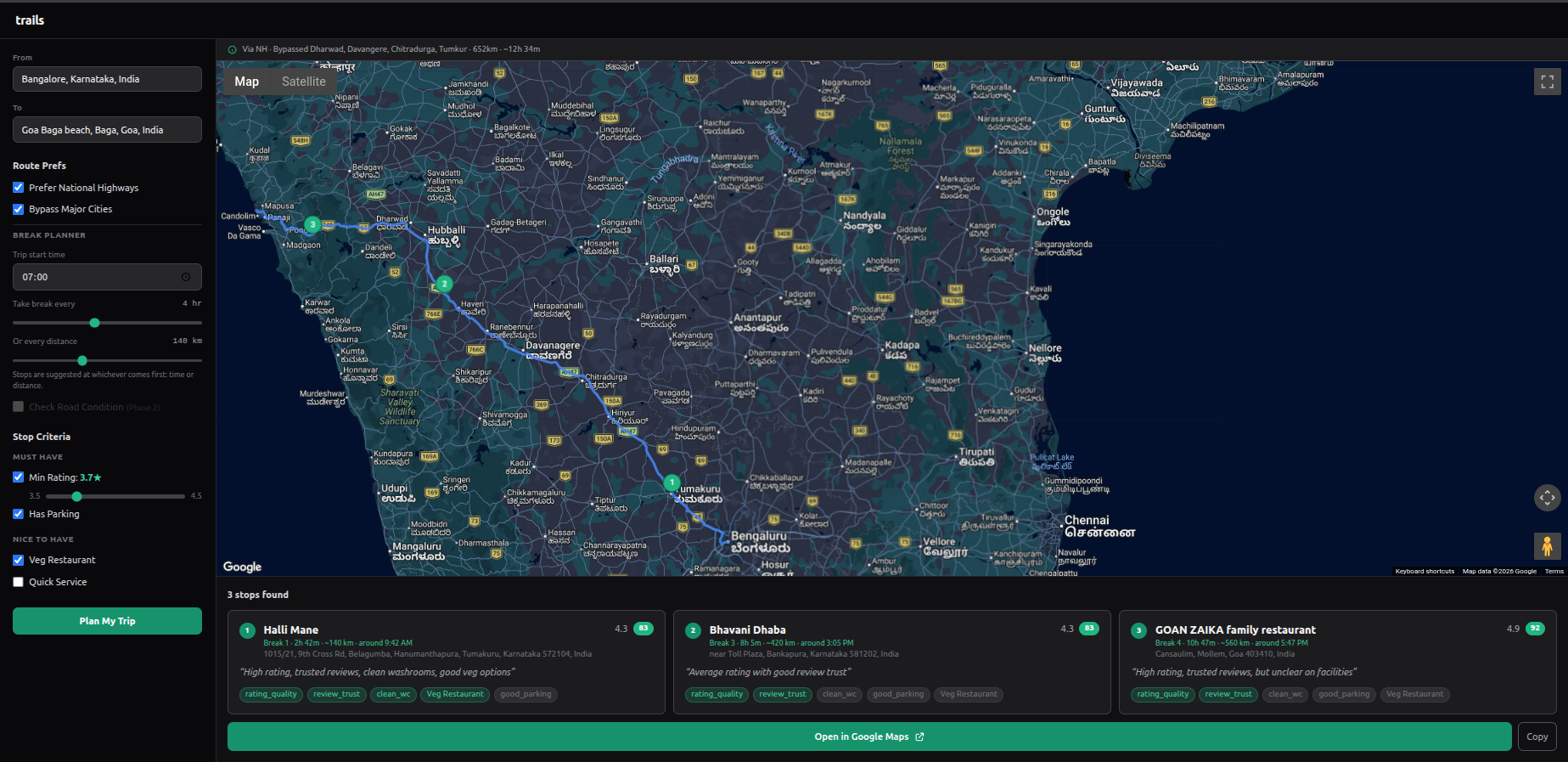 Bangalore to Mumbai, 1035 km, ~18h 28m. 5 stops found: Sai Cafe, Bhavani Dhaba, AMAR Only Veg, McDonald's, and Nisarg Garden.
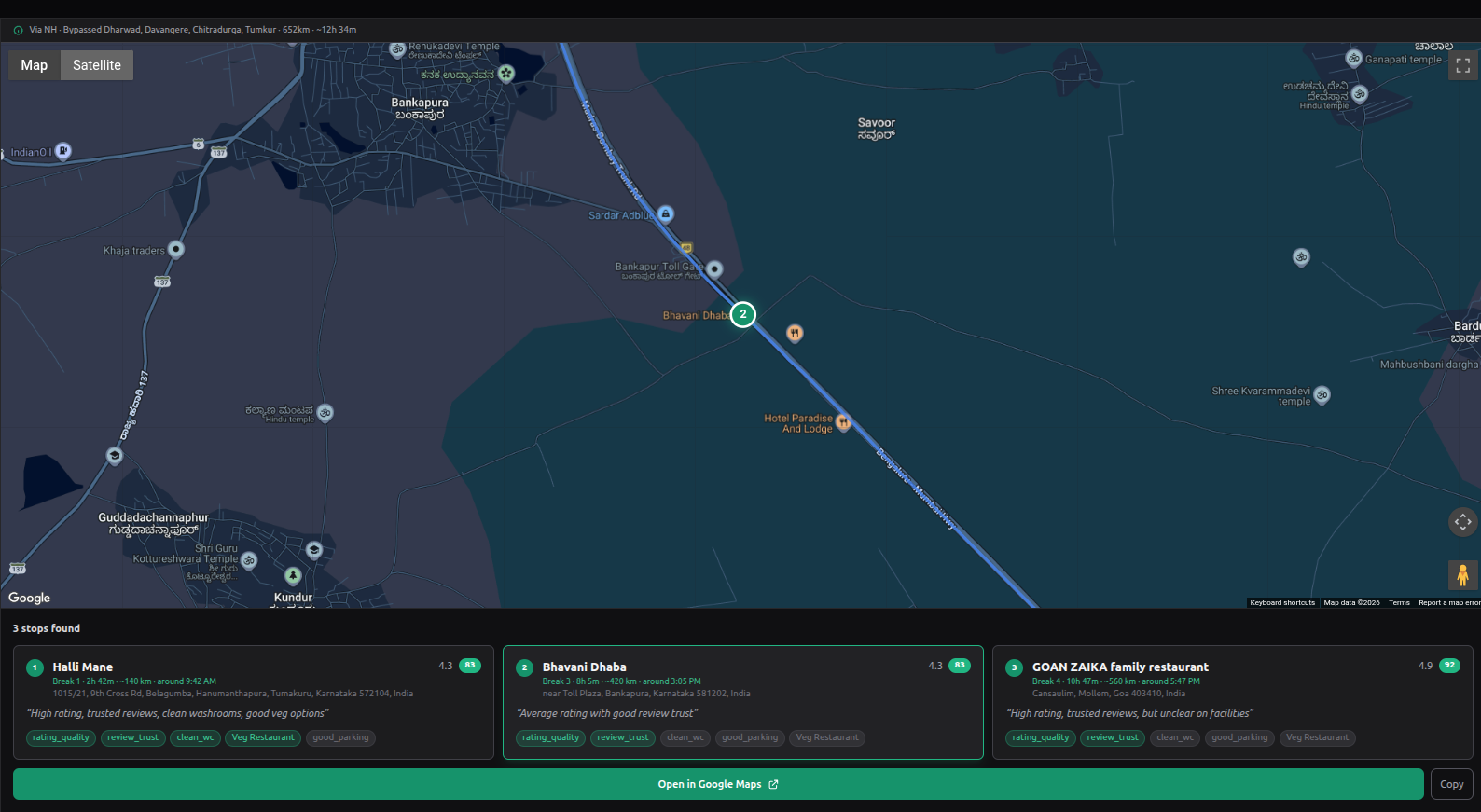 Zoomed in on stop 3 — AMAR Only Veg near Tavandi on NH 48. Each stop shows break timing, distance, review summary, and matched criteria.
Once you're happy with the stops, there's an "Open in Google Maps" button at the bottom of the page — it opens the full route with all stops as waypoints directly in Google Maps, ready to navigate.
Under the Hood
A few technical details for those interested. The app is built with Next.js 14 and @vis.gl/react-google-maps for the map interface.
Route computation: The Google Routes API returns an encoded polyline for the route. If "Prefer National Highways" is enabled, it computes two routes (highway and surface) and picks the highway one unless the surface route is more than 15% faster. For city bypasses, it detects major cities on the route by sampling the polyline every ~10 km and checking against a hardcoded list of ~70 Indian cities (population > 200K) for now, I plan to automate this better in the future. For each detected city, it looks up bypass waypoints, first from a pre-stored list, then via Nominatim OSM lookup, and finally falls back to a directional offset perpendicular to the route bearing. A bypass is accepted only if the extra time is under 15% of the through-city time.
Finding stops: Based on the break planner settings (every X hours or Y km, whichever comes first), the algorithm calculates break points along the polyline. At each break point, it samples 21 points (10 before + centre + 10 after), spaced 2 km apart — giving a ±20 km search window. At each of these 21 points, it calls the Google Places API with a 500m search radius to find restaurants and cafes.
Left-side filtering: Stops should ideally be on the left side of the road. Currently it searches for restaurants and cafes — I plan to let users select the type of stop they prefer in the future. The algorithm uses a cross product of the route direction vector and the place's position relative to the road. A positive cross product means the place is on the left side. Places on the right side are discarded. It also filters by distance to the road, within 50m first, relaxing to 80m and then 120m if nothing is found.
Scoring: Places that pass the spatial and hard filters (minimum 3.7★ rating, at least 100 reviews, has parking) are shortlisted — top 3 per break based on review count and rating. Their full details and reviews are fetched, and then Groq (running Llama 3.1) reads the actual review text to score them against fuzzy criteria like "Clean Washrooms," "Safe at Night," or "Good Veg Options." Each criterion gets a 0–100 score based strictly on review evidence. Places scoring below 50 overall are dropped.
The final output is ranked using a weighted score — rating quality (30), review trust (25), clean washrooms (20), good parking (15), and optional criteria like veg or quick service (10). These weights are visible as score badges on each stop card. The whole trip is then exportable as a shareable Google Maps link.
On the cost side — Google Maps Platform offers free usage per SKU per month (10K calls on the Essentials tier), which is more than enough for a hobby project like this. Groq's free tier is generous for a hobby project, though llama-3.1 has a 6,000 tokens-per-minute (TPM) limit — on extremely long multi-day drives with 5+ break windows and many scoring calls, this can trigger 429 rate limits. The app handles this with retry-after backoff, so it still works, just a bit slower on those rare edge cases. So the whole thing runs at essentially zero cost.
I'm planning to add a few of the above-mentioned features, along with using Google Street View images with Gemini Vision to automatically flag road condition along the route.
I built this for my own needs. It's still early, and there are things I want to improve in my free time, but it already does what I needed, takes a start point, a destination, and gives me a route and stops I can trust. If you drive long distances and care about the quality of your stops, give it a try.